
Account security
Protect your account against unauthorized access by changing your password regularly.
Change Password allows you to update your system access password. This functionality is essential to maintain your account security and comply with warehouse security policies.
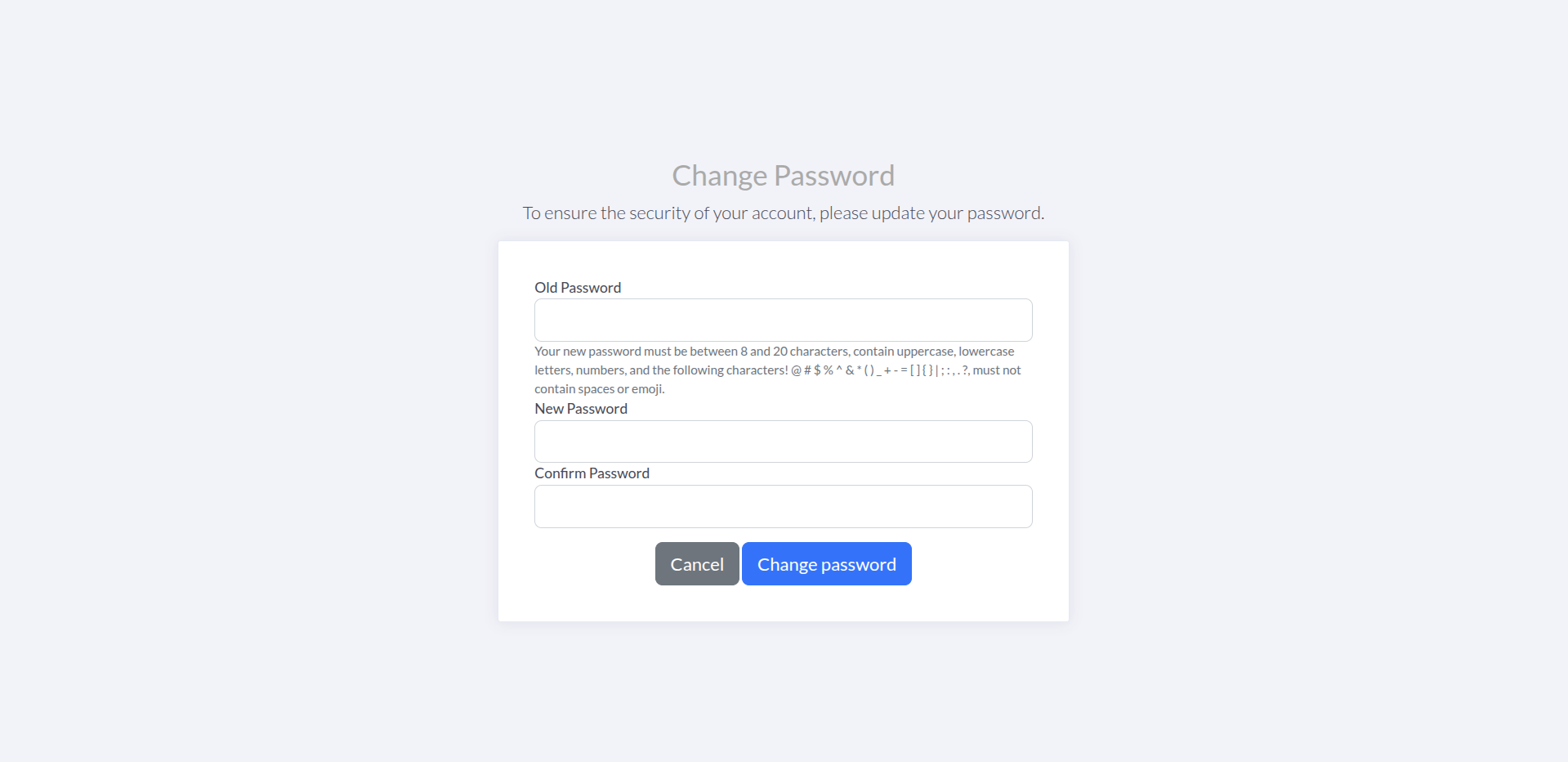
Changing your password regularly is a recommended security practice that helps protect your account against unauthorized access.
Change Password is a secure form that allows you to change your system access password. The system validates that the old password is correct and that the new password meets established security requirements.
This functionality also records password history and updates your password’s last modification date.
Protect your account against unauthorized access by changing your password regularly.
Comply with warehouse security policies that may require periodic password changes.
If you forgot your password or suspect it has been compromised, you can change it quickly.
The system maintains a record of password history for audit and security.
The system validates your new password before saving it to ensure it meets requirements.
Quick and simple process that allows you to change your password in minutes.
Log in to ShipEdge Core with your user account.
Navigate to Warehouse menu in the main navigation bar.
Select “System Config” from the Warehouse menu.
Click “Change Password” from the System Config submenu.
Enter your current password
In the “Old Password” field, enter your current password. If the password is incorrect, you’ll see an error message.
Enter your new password
In the “New Password” field, enter your new password. Make sure it meets all security requirements.
Confirm your new password
In the “Confirm Password” field, enter your new password again to confirm you typed it correctly.
Click “Change password”
If all fields are valid, your password will be updated and you’ll be redirected to the last page you visited.
Your new password must meet the following requirements:
! @ # $ % ^ & * ( ) _ + - = [ ] { } | ; : , . ?Common error messages:
Don’t reuse passwords you use in other services or systems.
Use a combination of uppercase, lowercase, numbers, and special characters for greater security.
Don’t use obvious personal information like your name, birth date, or company name.
Change your password every 90 days or according to your warehouse security policies.
Never share your password with other users, even if they’re trusted colleagues.
Consider using a password manager to generate and store secure passwords.
I can’t change my password - “The password is incorrect”:
I can’t change my password - “New password does not meet requirements”:
I can’t change my password - “Passwords don’t match”:
I can’t change my password - “Your new password must be different from the one you had”:
The form doesn’t submit:
I can’t access Change Password:
Next step: Preferences - Configure warehouse preferences
Related: