
Flexible Data Storage
Store custom information without modifying your database tables or product structure.
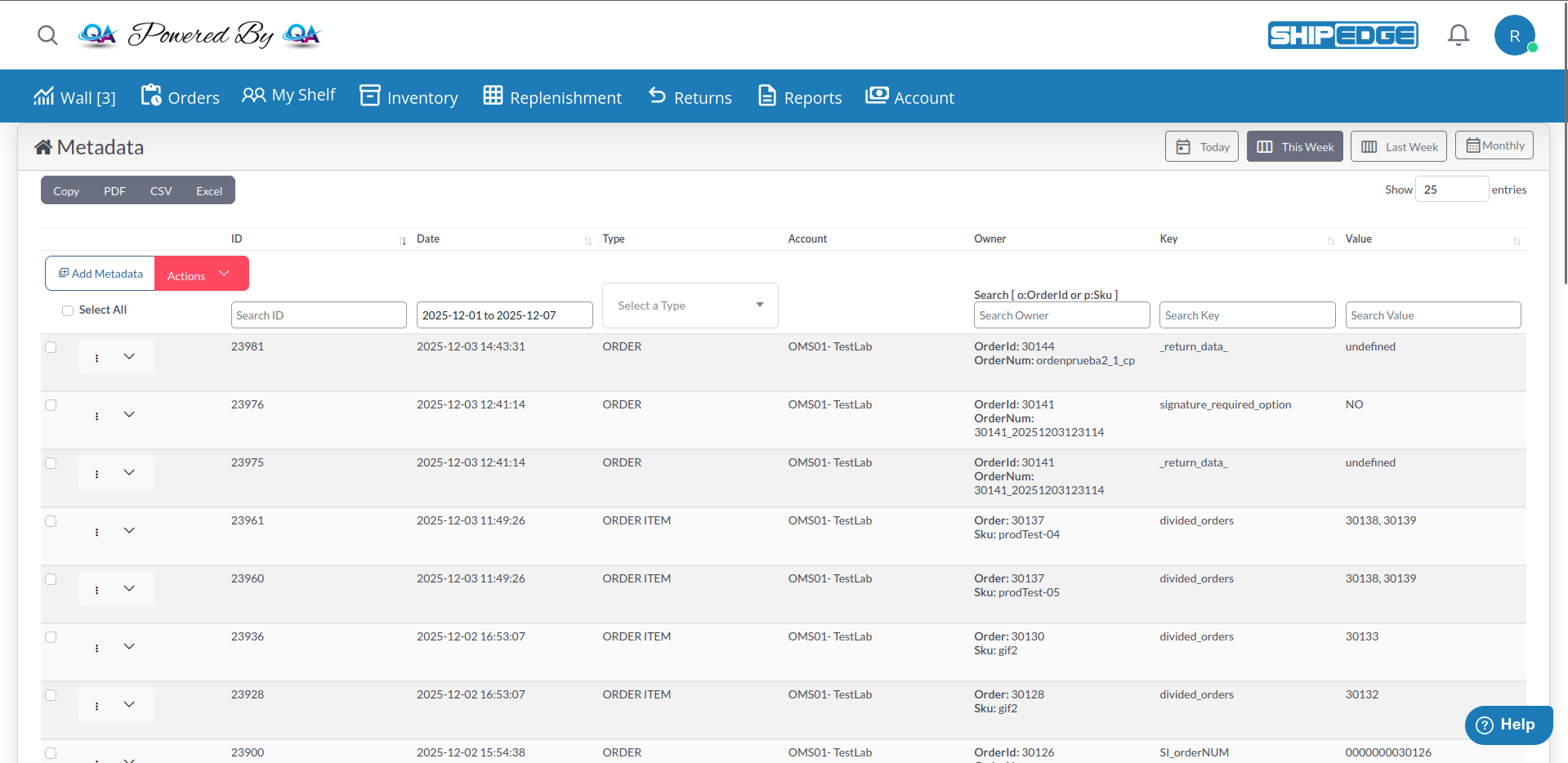
Metadata Management lets you attach custom key-value pairs to accounts, products, and orders. Use metadata to store extra information, track custom data, or integrate with external systems without changing your database structure.
Store custom information without modifying your database tables or product structure.
Pass custom data to shipping carriers, marketplaces, or third-party systems.
Track special handling requirements, customer preferences, or internal notes.
Keep metadata changes visible with timestamps and account associations.
Navigate to Metadata from the main menu.
The interface displays all metadata entries with:
Click “Add Metadata”
Opens the metadata creation form.
Select Metadata Type
Choose from:
Specify Owner Records (for Product/Order)
Select Account(s)
Choose which account(s) this metadata applies to. For account-level metadata, this is the target account. For product/order metadata, this is the owning account.
Enter Key and Value
special_handling, gift_message, external_id)fragile, Happy Birthday!, 12345)Click “Save changes”
System validates SKUs/Orders and shows success message. Any invalid SKUs/Orders are listed separately.
Single Delete:
Bulk Delete:
Use column search boxes to find specific metadata:
o:OrderID - Search orders (e.g., o:12345)p:SKU - Search products (e.g., p:ABC-123)Time Filters (top-right buttons):
Press Enter after typing to apply search filters.
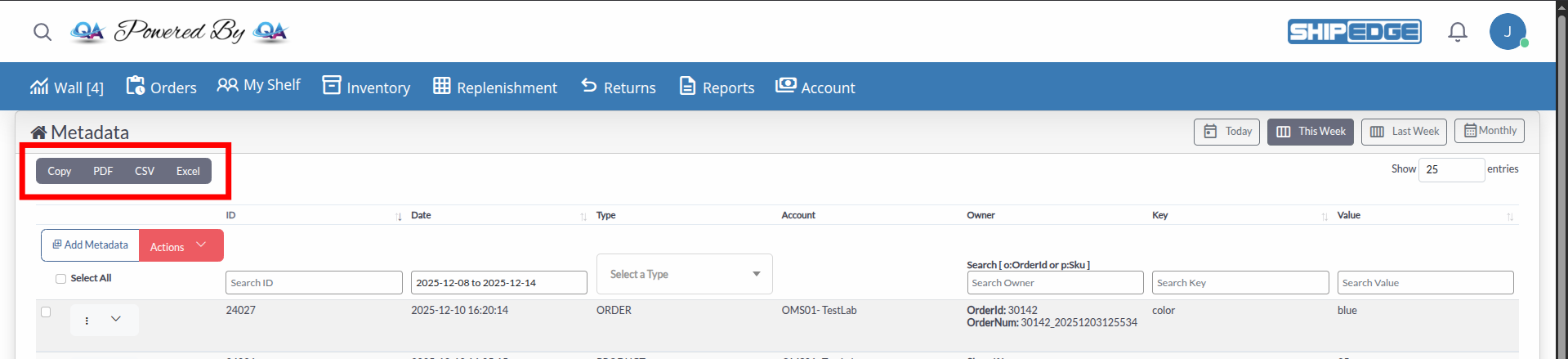
Export metadata records using the toolbar buttons:
Exports include: ID, Type, Account, Owner, Key, and Value columns.
Key: special_handling
Value: fragile, signature_required, no_weekend_delivery
Applied to: Orders or Products
Key: gift_message
Value: Customer’s gift message text
Applied to: Orders
Key: external_id, marketplace_id
Value: External system’s reference number
Applied to: Orders or Products
Key: priority, customer_type, handling_code
Value: Custom business classifications
Applied to: Accounts, Products, or Orders
Standardize metadata keys across your system (e.g., always use gift_message not giftMessage or gift-message).
When adding product/order metadata, verify SKUs and Order IDs exist to avoid failed saves.
Keep a reference list of metadata keys and their purposes for your team.
Periodically review and remove outdated metadata to keep the system clean.
Metadata can be set when creating or importing orders/products:
When orders or products are processed, their metadata is available for:
Problem: When adding product metadata, all SKUs failed validation.
Solutions:
Problem: When adding order metadata, all Order IDs failed validation.
Solutions:
Problem: Metadata exists but doesn’t appear in search.
Solutions:
Problem: Error when trying to edit certain metadata keys.
Explanation: Metadata keys starting with underscore (_) are system-generated and protected from manual editing. These are used internally by ShipEdge for features like international settings.
Next Steps: Product Management | Creating Products